
Introducing Rezonant MCP
 Abi ChurchJune 10, 20264 min read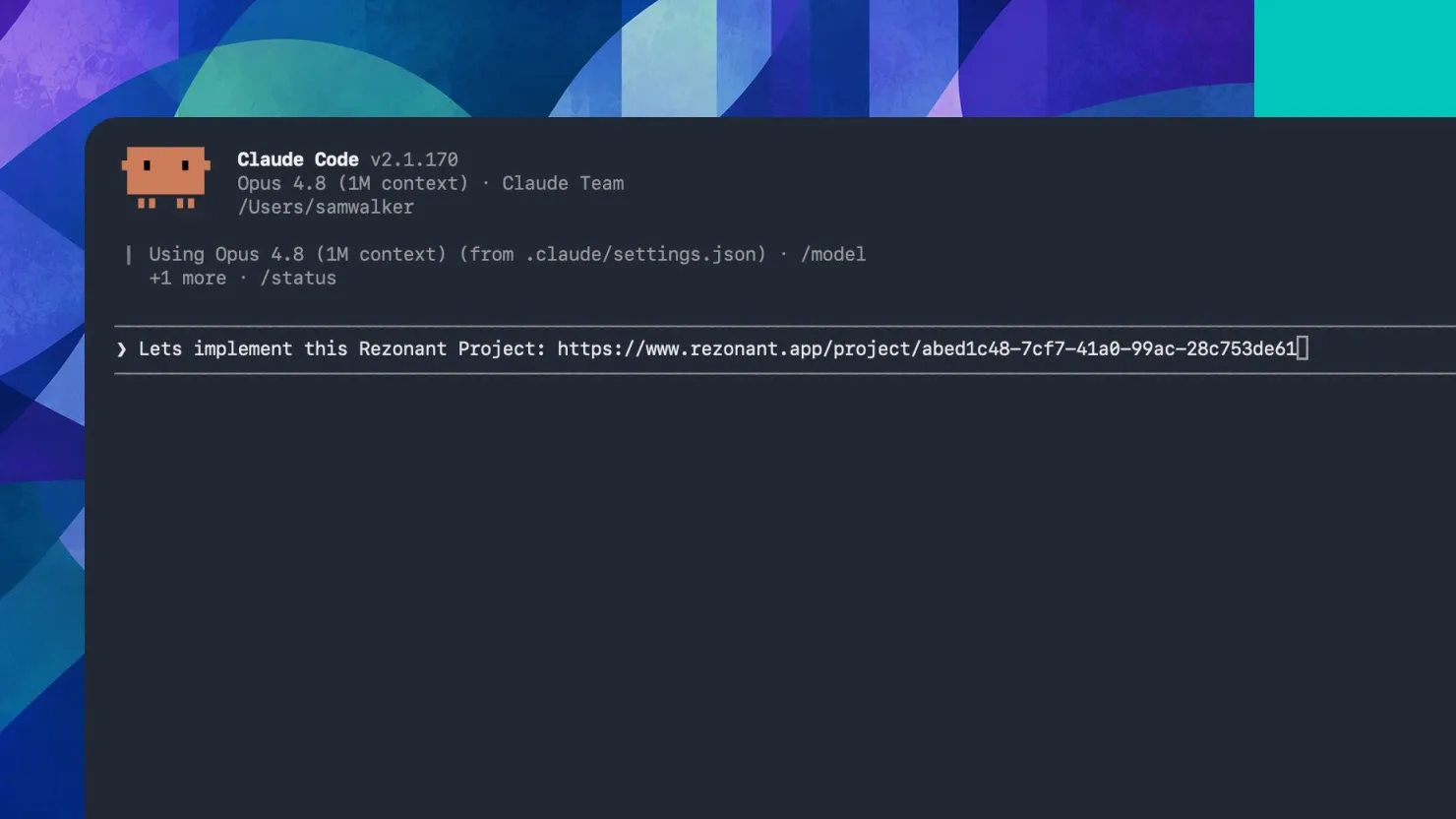
Your favourite coding agents can now work directly from your team's product specs, so all the big ideas make it through to what actually gets built.
Giving your coding agent the full context
There's long been a gap between coming up with an idea and actually building it. Rezonant is where the product ideas get shaped — you define what you're building, pull in all the right context, get everyone on the same page, and spin up tasks for your coding agents. But until now, moving that to code sometimes meant rehashing things: finding the spec, copying bits across, re-explaining decisions that were already made.
With Rezonant MCP, you can now skip that. Your coding agent can fetch all your PRDs, specs, tasks and product context, so everything you or your team figured out upstream is brought into the build, without you having to carry it across manually.
When it's useful
Working in Claude Code, Codex, Cursor etc: Ask your coding agent to implement a feature based on what was scoped and agreed in Rezonant, without re-explaining the context.
Picking up someone else's work: Get full context on a spec you didn't write, directly in your coding environment.
Reviewing what was decided: Ask your coding agent to surface the reasoning behind a feature before you start building it.
How it works
An MCP (Model Context Protocol) is a way of giving AI tools access to each other — a bit like adding a door between two rooms. With Rezonant MCP, you connect your Rezonant workspace to Claude Code, Cursor, Codex, or any other tool that supports MCP.
Once connected, that tool can access your specs, PRDs, tasks and product context whenever you ask it to. You can create, update and delete any of your Rezonant artefacts, kick off coding jobs, and more. For a full list of ways you can work with Rezonant MCP, just ask your coding agent.
Getting started
Rezonant MCP is currently released in beta mode for Claude Code CLI, Cursor, and Codex CLI. If you need help or have any issues with setup, reach out to us at hello@rezonant.app
Claude Code CLI
Run the following command:
claude mcp add --transport http Rezonant https://api.rezonant.app/mcp
Inside a Claude session, run /mcp to complete the sign-in flow.
Cursor
Open ~/.cursor/mcp.json and add:
{
  "mcpServers": {
    "Rezonant": {
      "url": "https://api.rezonant.app/mcp"
    }
  }
}
Cursor will open your browser on first connect — sign in to Rezonant and click Allow.
Codex CLI
Open ~/.codex/config.toml and add:
[mcp_servers.rezonant]
url = "https://api.rezonant.app/mcp"
Run the following to sign in:
codex mcp login rezonant
A browser window will open — sign in to Rezonant and click Allow to connect.
FAQs
Can the agent see my whole workspace?
The MCP can give your agent access to all shared specs, PRDs, tasks and product context in your Rezonant workspace. You stay in control of what you ask it to fetch and act on.
If the spec changes, does the coding agent get the updated version?
Yes. Rezonant MCP fetches context live, so your coding agent always sees the latest version of your specs and tasks.
Do I need to be on a paid plan?
No, MCP also works with the free tier.
Do I need a Rezonant account?
Yes, you'll need a Rezonant account to connect your workspace.